Open about:debugging#/runtime/this-firefox, choose Load Temporary Add-on, then manifest.json. Reload temporary add-ons after restarting Firefox.
Open the extensions menu (puzzle icon) and select Harmonies Live Score. Use its settings to pin it to the toolbar if available.
Generate a one-time link code in the checklist above or on Account.
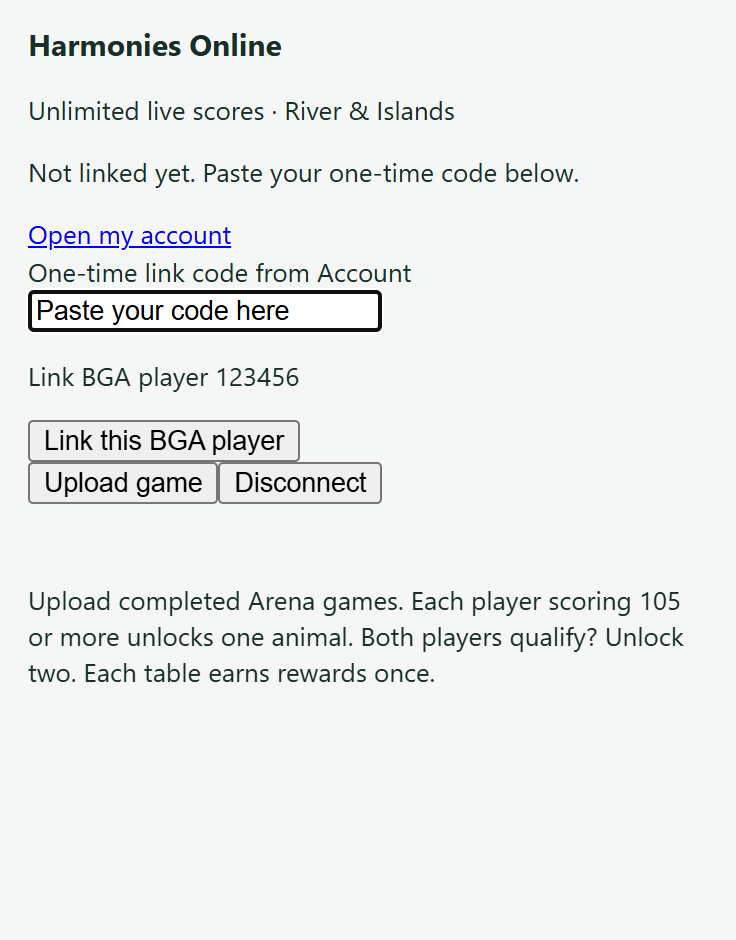
Open a Harmonies table on BGA. Open the extension, paste the code, and link your player.
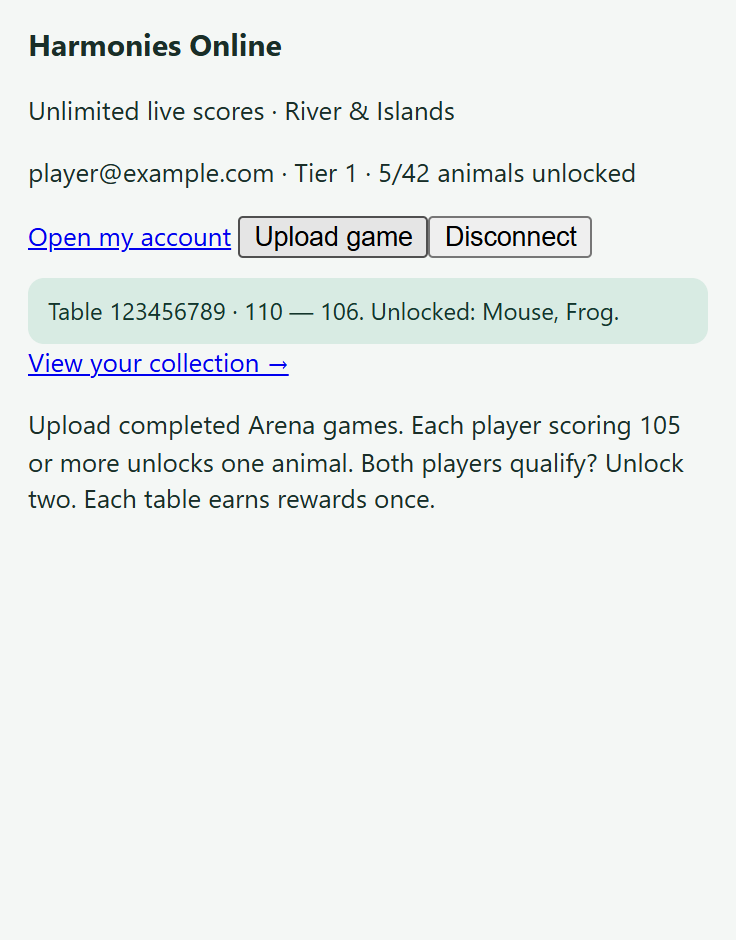
Refresh BGA, then press Check result. After an Arena game finishes, press Upload game.
What to look for
1. On your BGA table, open the extension and paste your account’s one-time code.2. Upload a completed Arena game. Check the confirmation, then open your collection. Screenshots use example accounts and results.
Connection check
Need a hand?
When replacing an unpacked extension with the store version, generate a new code and link it again. After updating the extension, refresh the BGA tab and this website. If your session expires, generate another link code. Missing replay moves? Open the completed replay and try uploading again.
The free beta API may take about a minute to wake up. If a request times out, wait a minute and retry; uploads are safe to retry without duplicate rewards. The extension uses this website’s configured online service. It never silently connects to a local Companion.